
Different trim on the sides and the top and bottom (Trim View Override)
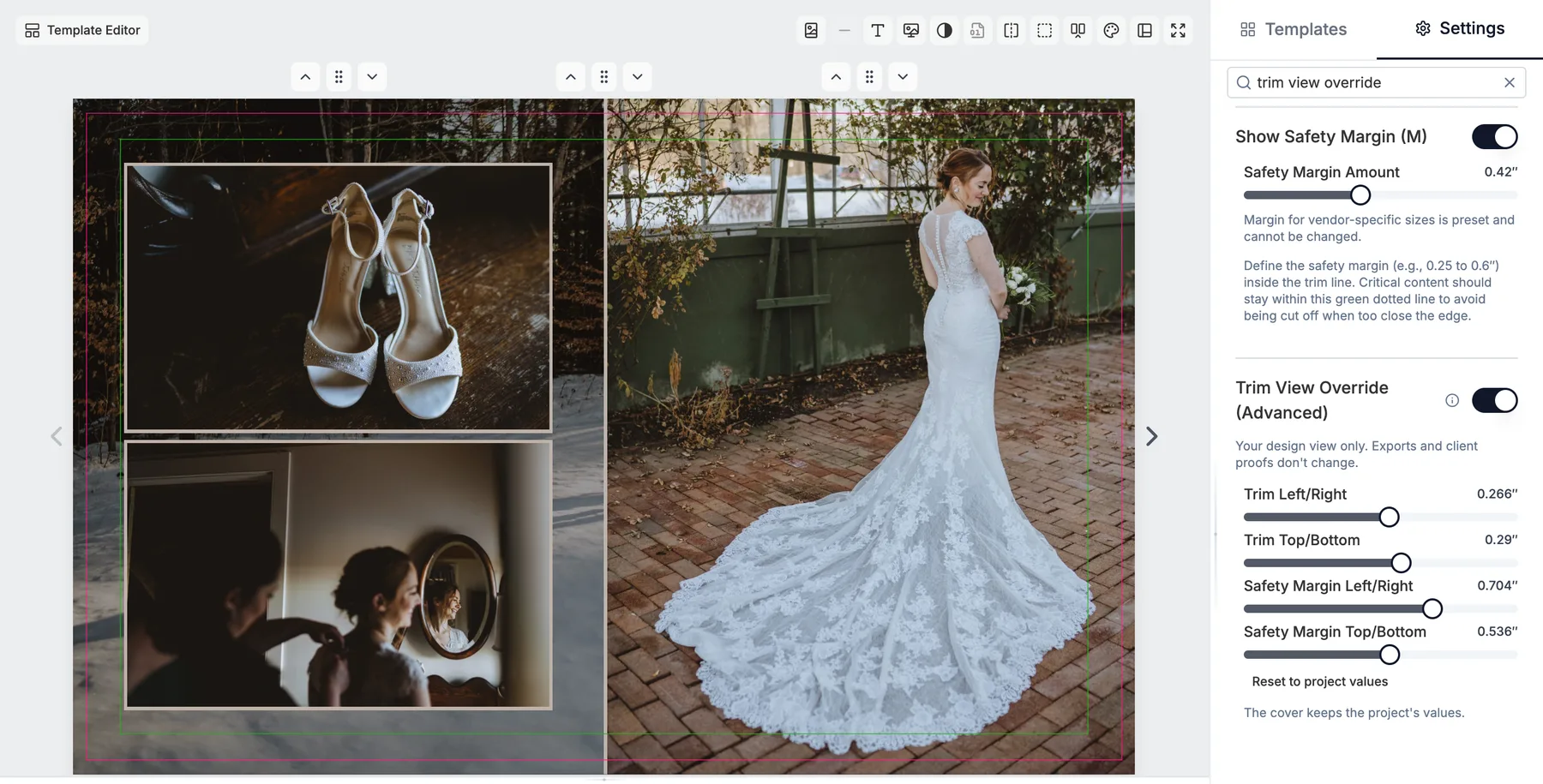
Some labs trim the sides a little differently from the top and bottom. Settings > Project Settings > Trim View Override (Advanced) lets you set Trim Left/Right, Trim Top/Bottom and the two safety margins separately, so the canvas guides show what your lab really trims. It changes your design view only: exports and client proofs still use the project's trim. Most projects never need this.
More in Print setup
See all 10Trim, bleed and safety margin explained47:37See the book as it will print49:01Show or hide the trim and margin lines45:55Edit trim and margin on a custom book50:36Inner bleed and inner safety at the gutterGuideInner Bleed Fill: wider page files for the bindingGuideCheck your print vendor specs51:09Rounded corners near the trim stay square1:26Keep trim and margin lines in the template editor50:50