
Save a copy of a project (Save As)
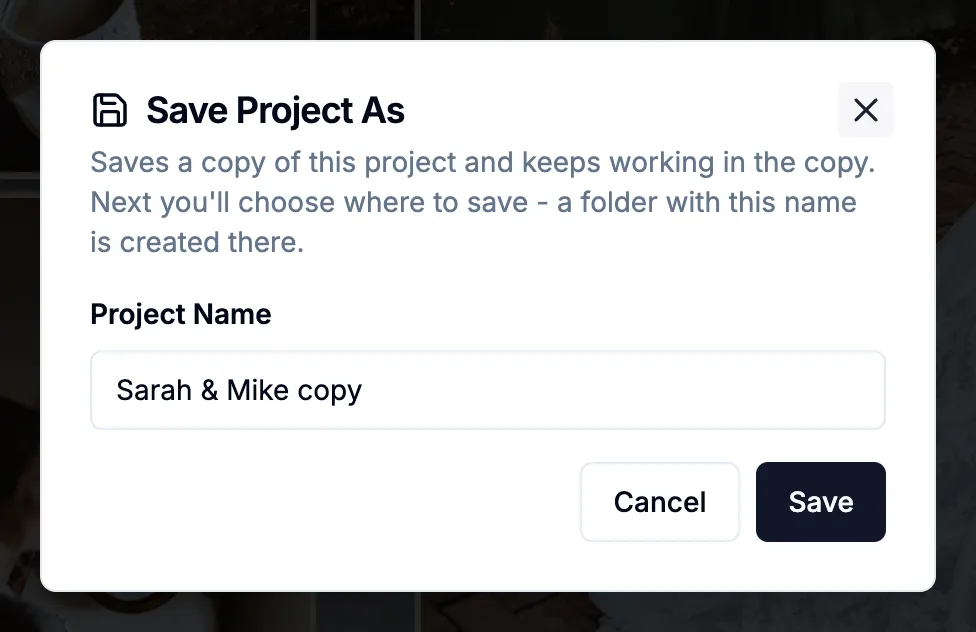
File > Save As (Cmd+Shift+S, or Ctrl+Shift+S on Windows) asks for the copy's name, then where to save it, and creates a folder with that name for you, just like New Project. A progress bar shows while the previews copy. When it's done you're working in the copy and the original is unchanged. For a copy at another size or vendor, use Duplicate for Different Size.
More in Projects & files
See all 11Start a new project4:22Recent Projects: pin, remove and clearGuideFind where a project is savedGuideSave a custom size as a preset (My Presets)GuideRename, delete, import or export My PresetsGuideChoose where projects are saved5:00What's inside a project folder6:00Automatic backups and rolling back6:54Copy a Project to a different size, vendor or Aspect Ratio0:41Autosave when you change spreads1:00:49