
Save a custom size as a preset (My Presets)
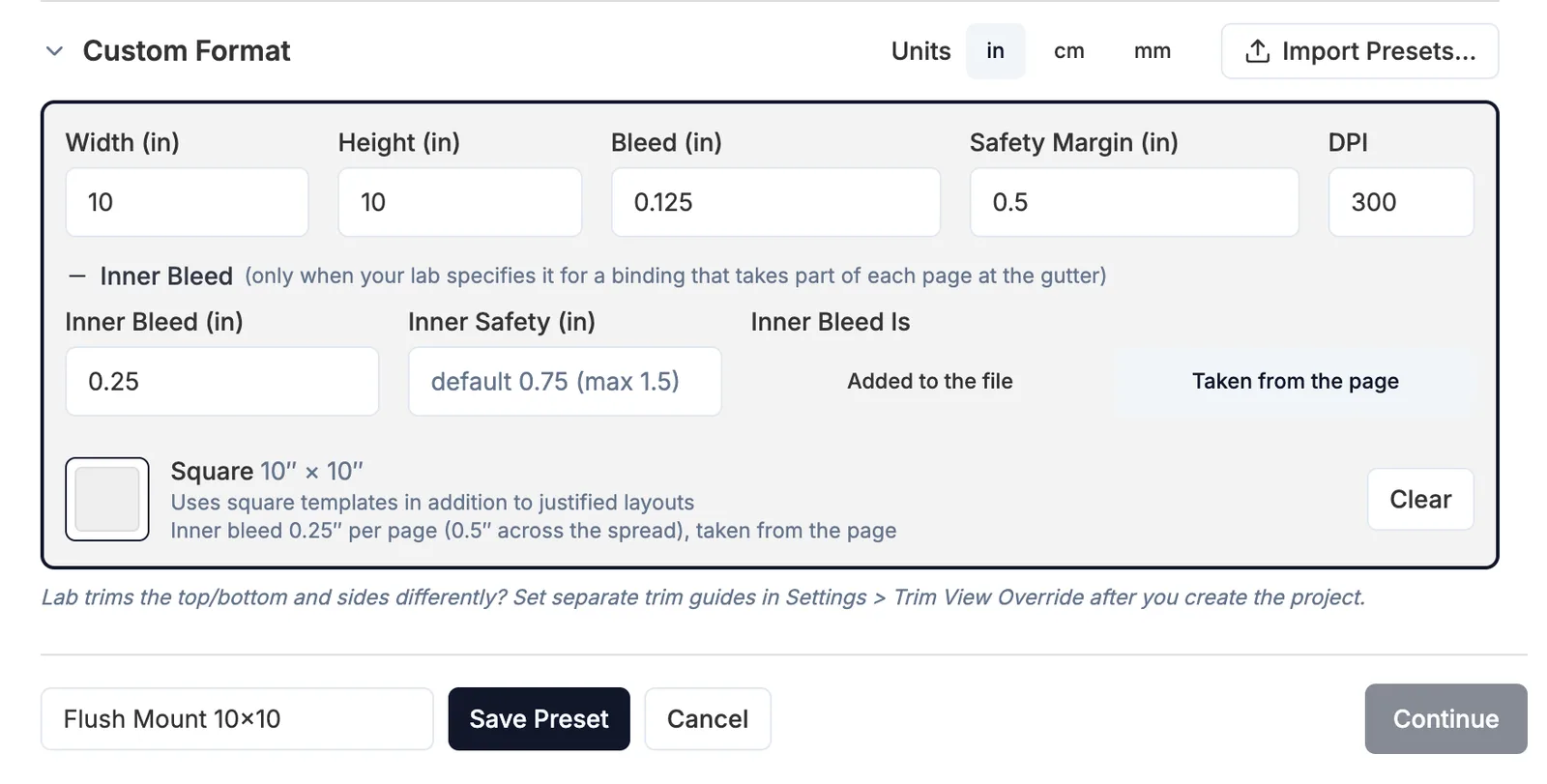
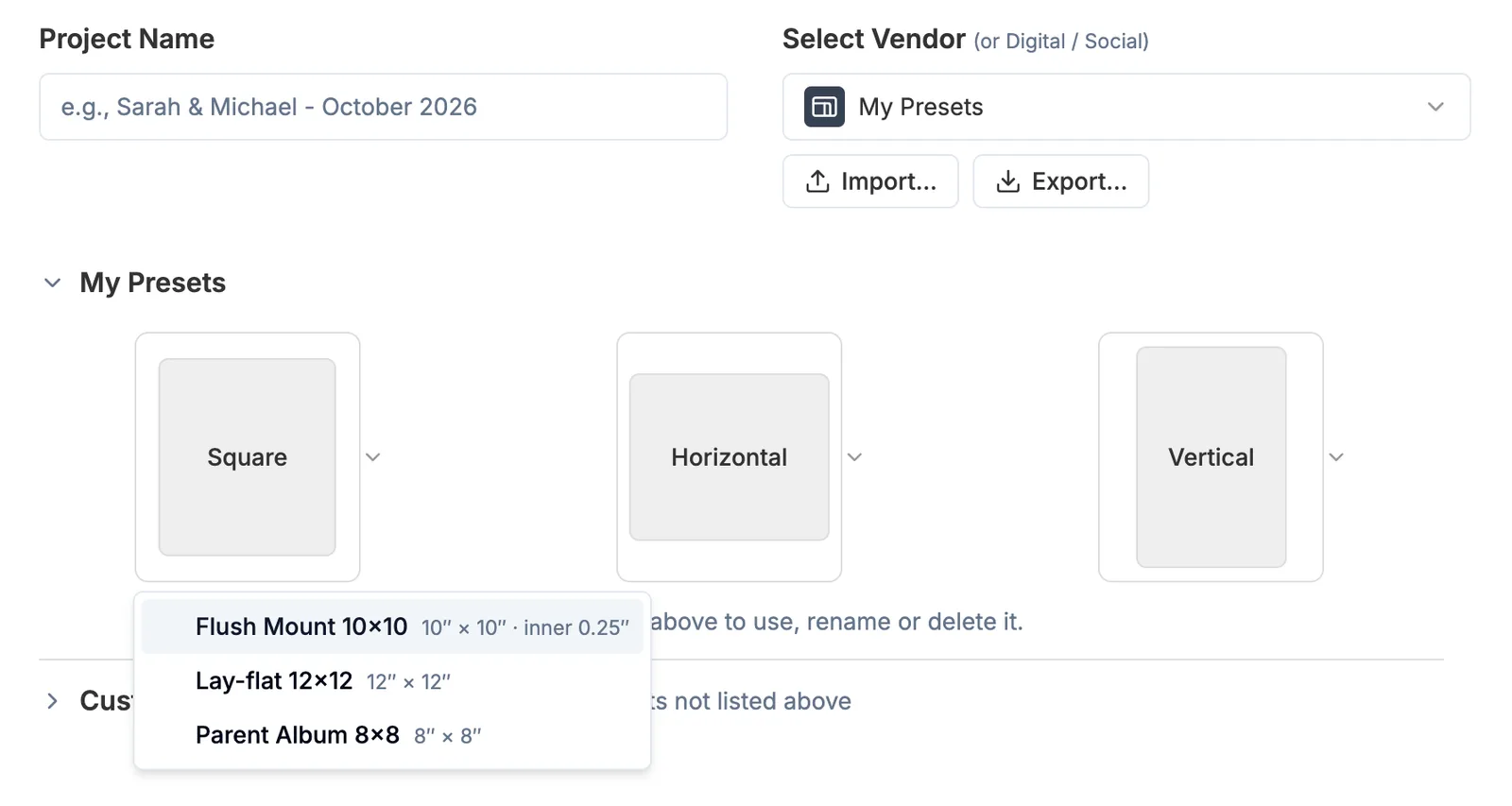
On the new project screen, open Custom Format and enter the size, then click Save as Preset... and give it a name. Next time, choose My Presets at the top of the vendor list and pick it from the Square, Horizontal or Vertical tile.
More in Projects & files
See all 11Start a new project4:22Recent Projects: pin, remove and clearGuideFind where a project is savedGuideSave a copy of a project (Save As)GuideRename, delete, import or export My PresetsGuideChoose where projects are saved5:00What's inside a project folder6:00Automatic backups and rolling back6:54Copy a Project to a different size, vendor or Aspect Ratio0:41Autosave when you change spreads1:00:49