
Recent Projects: pin, remove and clear
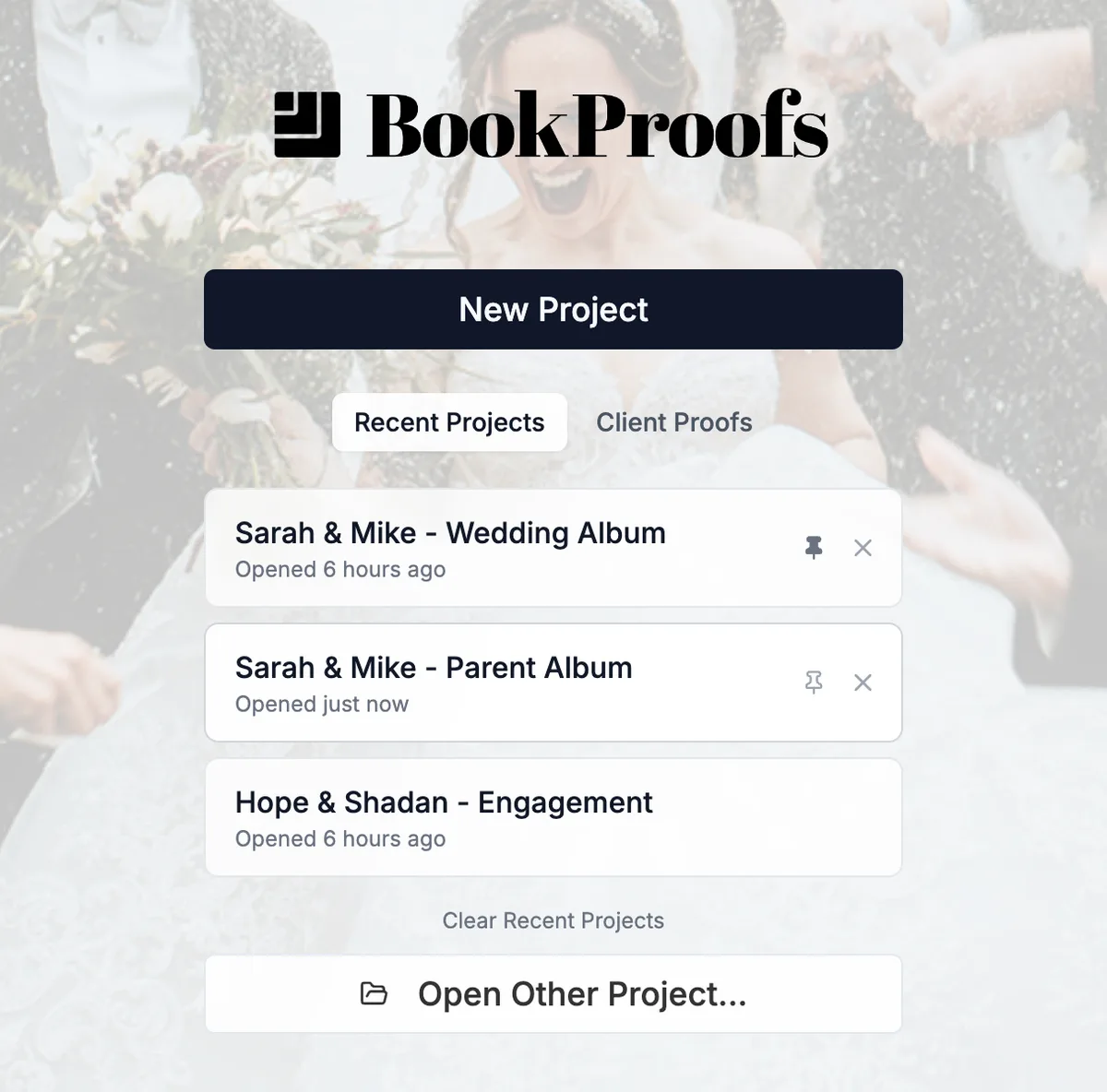
The start page lists your recent projects and when each one was last opened. Hover a project and two icons appear: click the pin to keep it at the top of the list, or the X to remove it. Clear Recent Projects at the bottom removes everything except pinned projects. Each removal comes with Undo. The list keeps your 40 most recent projects plus everything you've pinned, and removing a project from the list never deletes it.
More in Projects & files
See all 11Start a new project4:22Find where a project is savedGuideSave a copy of a project (Save As)GuideSave a custom size as a preset (My Presets)GuideRename, delete, import or export My PresetsGuideChoose where projects are saved5:00What's inside a project folder6:00Automatic backups and rolling back6:54Copy a Project to a different size, vendor or Aspect Ratio0:41Autosave when you change spreads1:00:49