
Drop areas at the edges of the canvas
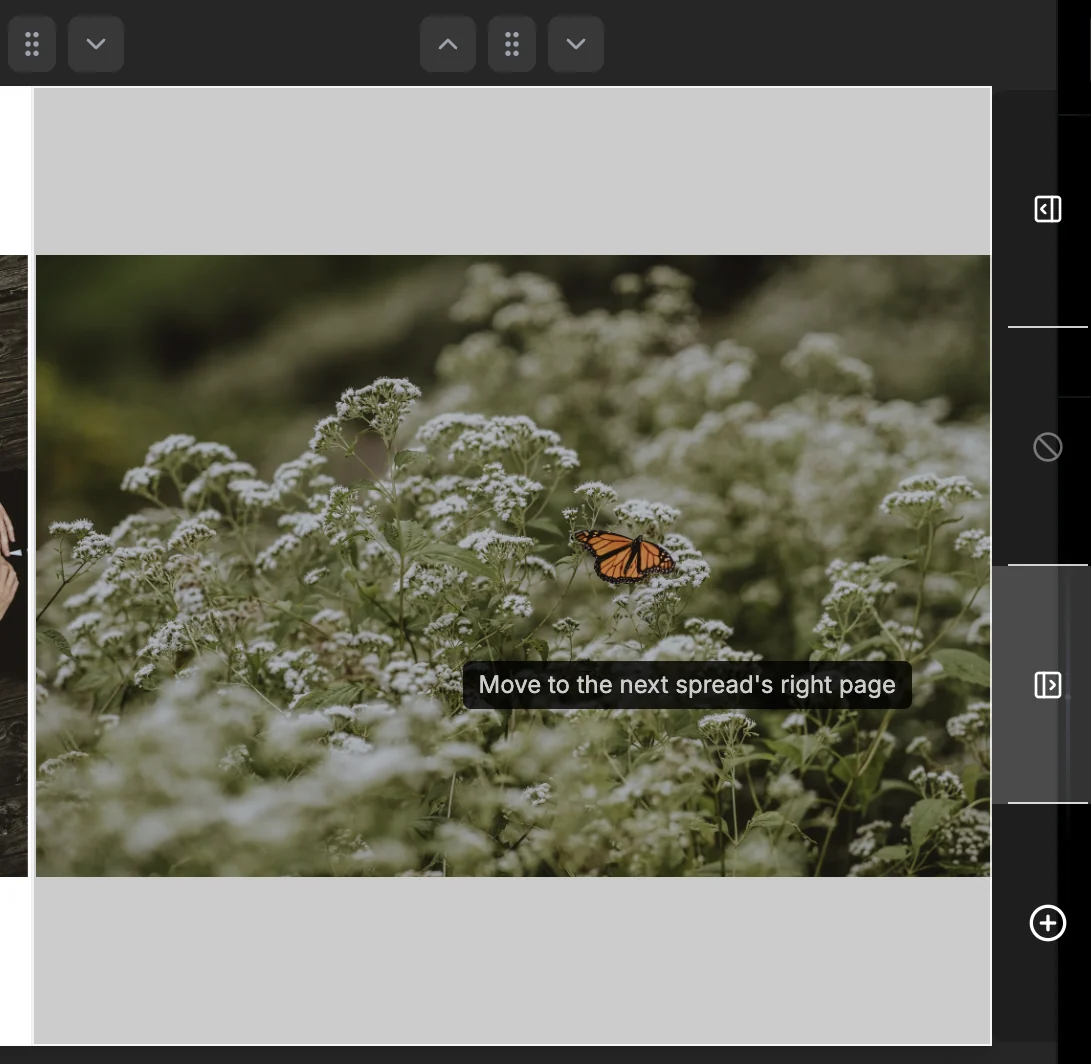
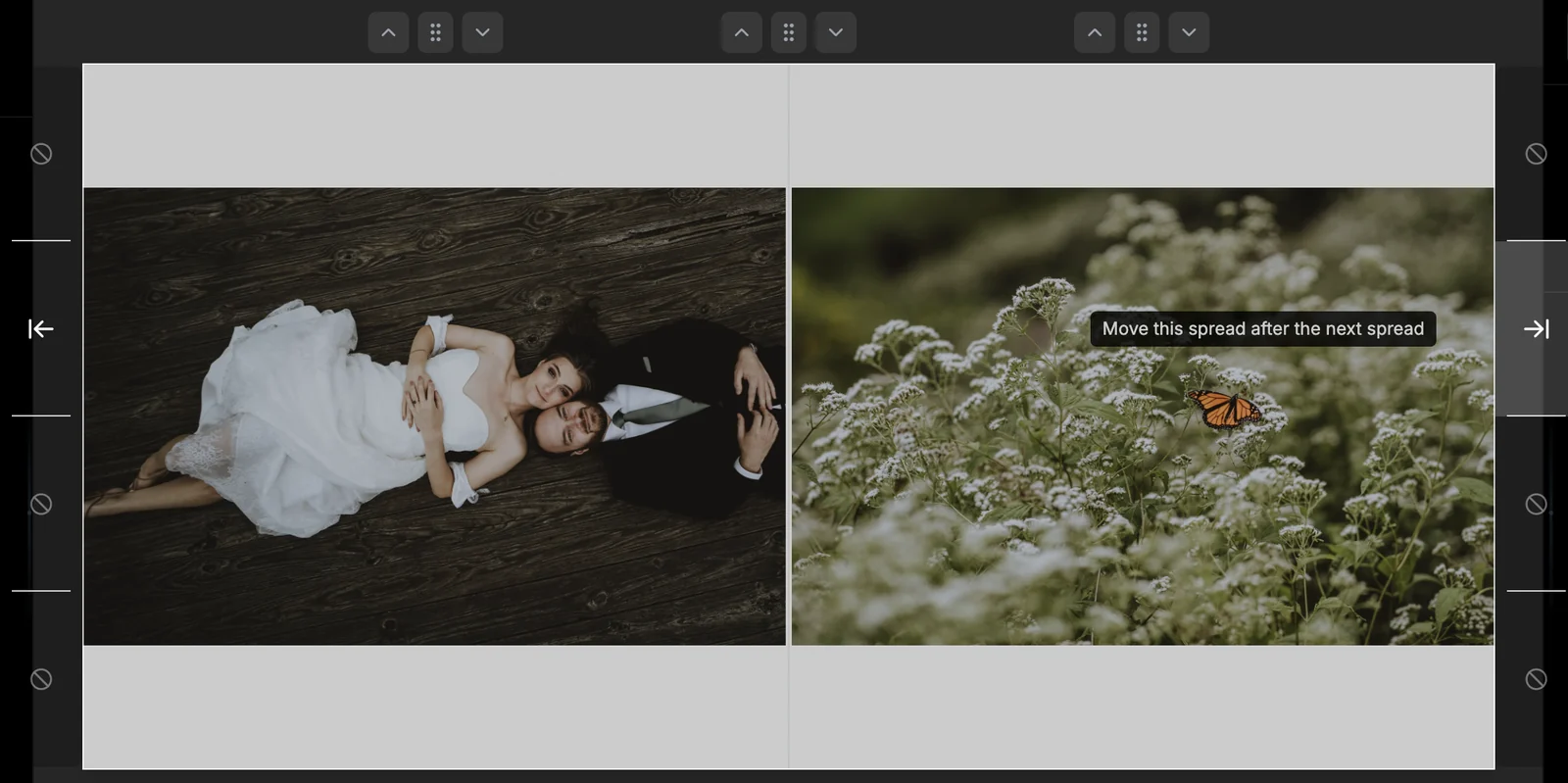
While you drag a page or spread grab handle, move to the left or right edge of the spread and drop areas open beside it. For a page: the previous or next spread's left page, its right page, or a new spread. For a spread: move it before the previous spread or after the next one. Hover any area to see what a drop does - greyed-out areas say why they're unavailable.
More in Designing Spreads & Pages
See all 38FlashDesign the whole book17:13FlashDesign from the right-click menu17:38Choose a Flash Design style: Templates, Justified or One per pageGuideOne photo per page with Flash DesignGuideSkip the Flash Design dialogGuideDropping more photos than a spread holds17:45Drag and drop photos onto a spread19:23The drag handle on each photo25:23Create a new spread19:53Create a spread from selected photos1:14Select several photos at once20:18Remove a photo from a spread20:43Choose how the layout rebuilds when you remove a photo0:14Rebuild only the page you removed from1:06Remove a photo but keep its slot1:24Replace a photo on a spread21:02Add photos to the left or right page only21:22Move photos to another spread22:17Edge drop overlays: move a photo to the next or previous spread23:25Drop Edges: add a photo right beside another photoGuideDrop areas in the spread timeline24:31Insert a spread between two others25:12Reorder spreads25:47Grab handles on every page and spread0:27Swap the left and right pages0:40Move a single page to another spread0:46Copy, cut and paste a page1:06Copy, cut, paste or duplicate a spread1:31Move a spread with its grab handle1:53Add a blank spread after this oneGuideWhy can't I move this page?GuideDelete spreads2:46Optimize a spread layout by aspect ratio (retired in 1.4.0)41:54Keep photo order on a spread42:50Put a spread back in library order (Order by Library)GuideConvert a whole spread to black and white44:13Move between spreads13:11