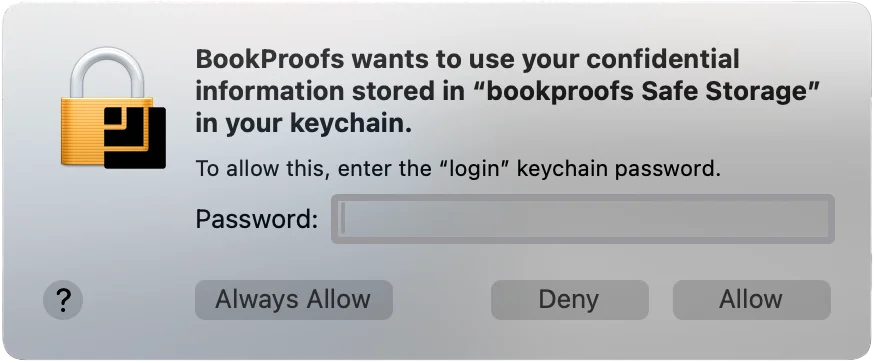
macOS asks for your password after an update
Updating from a previous version?
After updating, macOS may ask for your login keychain password the first time you open the new version. This is a standard macOS security check — BookProofs securely stores your license credentials on your Mac, and macOS verifies the updated app is allowed to access them.
Enter your Mac login password and click "Always Allow" to prevent this prompt from appearing on future updates.