
Install BookProofs on macOS
Open the downloaded file
Find BookProofs-1.3.8.dmg in your Downloads folder and double-click to open it.
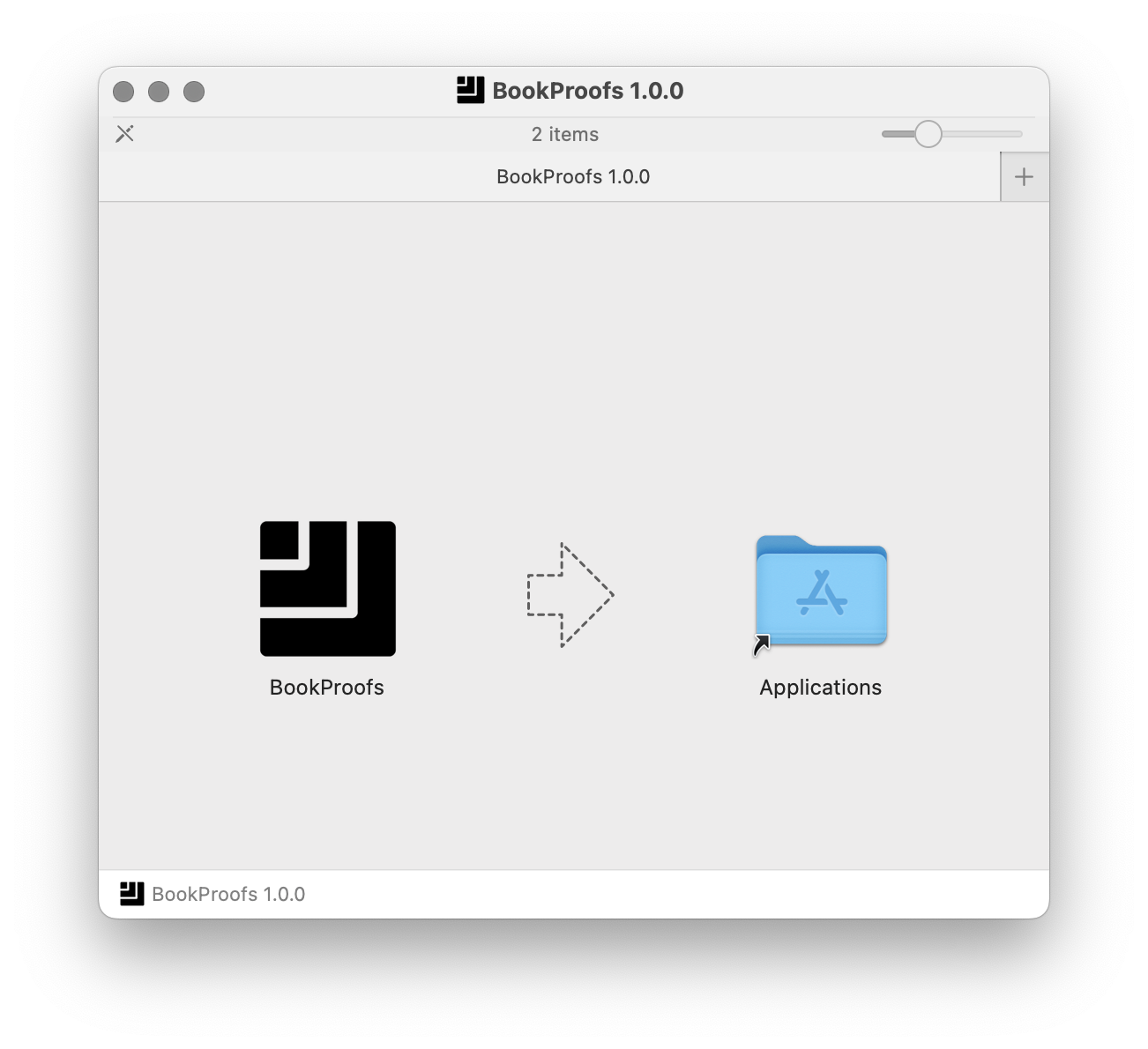
Drag to Applications
Drag the BookProofs icon to the Applications folder.
Confirm and open
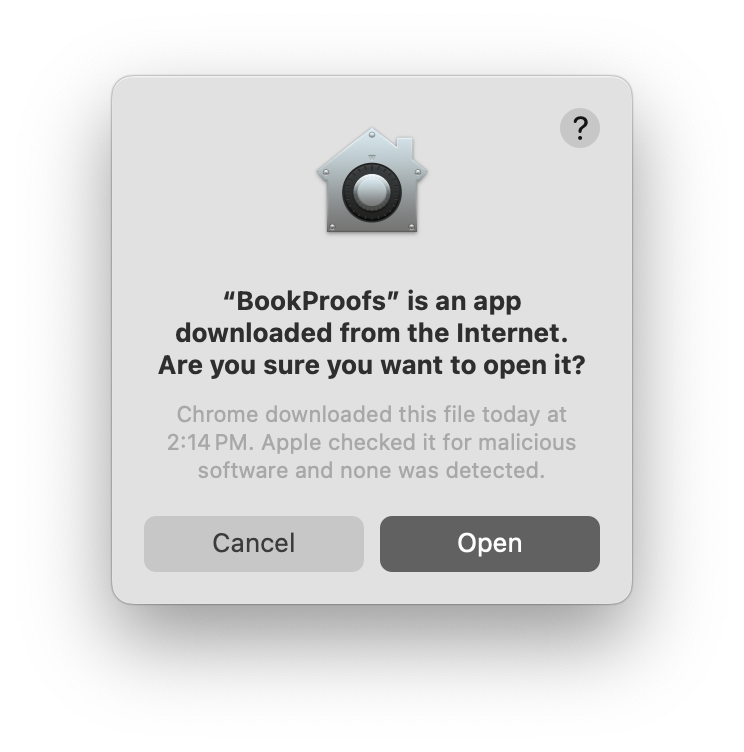
When you first open BookProofs, macOS will confirm it's an app downloaded from the Internet. Apple has verified the software and no malicious software was detected. Click "Open" to continue.
Launch and get started
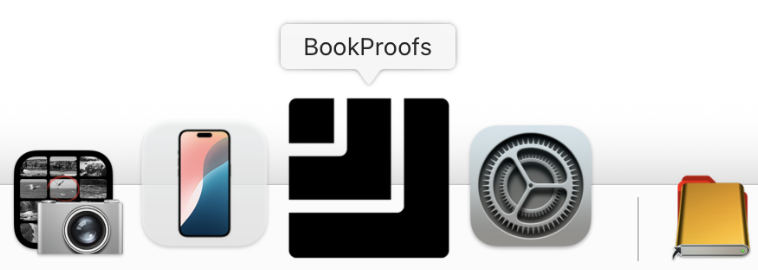
Open BookProofs from your Applications folder. You'll see it appear in your Dock.
First launch takes longer: macOS performs a security check on first run, which may take 30-45 seconds. You'll see the icon bouncing in the Dock—this is normal. Subsequent launches will be much faster.
Activate your license (optional)
If you've purchased a license, go to Help → Activate License and enter the email and password from your purchase confirmation email. This unlocks full-resolution export.
No license yet?
No problem! Design freely in demo mode. You can purchase anytime here to unlock export.