
Change the hold time for opening a spread, or turn it off
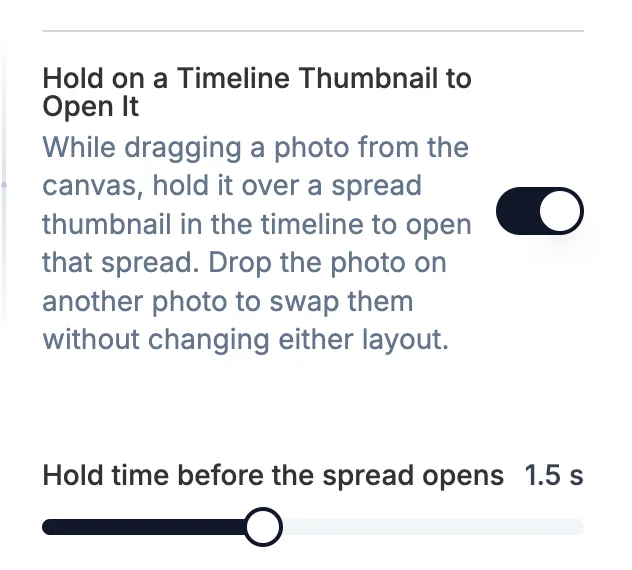
Settings > Canvas & Display > Hold on a Timeline Thumbnail to Open It. This setting is on by default with a hold time of 1.5 seconds. Drag the "Hold time before the spread opens" slider anywhere from 0.5 to 3 seconds; Reset puts it back to 1.5. Turn the switch off and holding a photo over a thumbnail in the spread timeline no longer opens that spread. What it does: Move or swap a photo to another spread.
More in Settings & preferences
See all 16Low resolution and DPI warnings59:03Search settings0:55Keep the existing template when you remove an image52:59Keep the opposite page when removing an image53:37Match aspect ratios or preserve order (retired in 1.3.5)54:08Image placement mode (retired in 1.3.5)52:14Reset zoom and pan on template change54:42Turn template hover previews off59:35Turn the Side Drop Areas off1:00:02Turn Drop Edges offGuideStop blank spreads appearing at the end1:00:25Jump to a spread after dropping photos on it1:00:37Automatic page numbersGuideNon-destructive vs destructive external editing3:46The Return Folder for Lightroom exports5:25