
Automatic page numbers
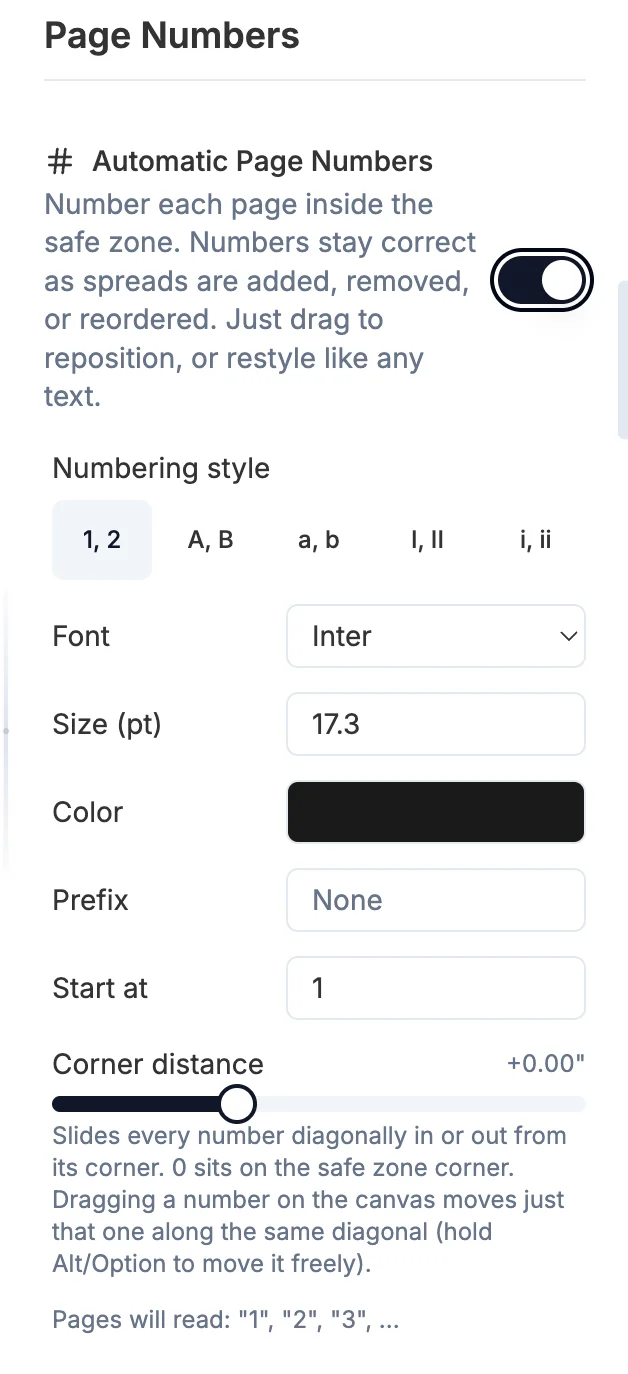
Turn on Automatic Page Numbers in Settings and every page gets a number inside the safe zone, and the numbering stays correct as spreads are added, removed or reordered. The same panel sets the style (1, 2 / A, B / a, b / I, II / i, ii), font, size, color, a prefix, the starting number, and the corner distance, which slides every number diagonally in or out from its corner. On the canvas, drag a number to move just that one along the same diagonal, hold Alt/Option to move it freely, or restyle or delete it like any other text.
More in Settings & preferences
See all 11Low resolution and DPI warnings59:03Keep the existing template when you remove an image52:59Keep the opposite page when removing an image53:37Match aspect ratios or preserve order (retired in 1.3.5)54:08Image placement mode (retired in 1.3.5)52:14Reset zoom and pan on template change54:42Turn template hover previews off59:35Turn the edge drop overlays off1:00:02Stop blank spreads appearing at the end1:00:25Jump to a spread after dropping photos on it1:00:37